
The Cartoon Network leak: what we know so far
Animation production files are circulating online, but how they were obtained remains unknown. The story is a reason to revisit who can access your own unfinished work and old projects.
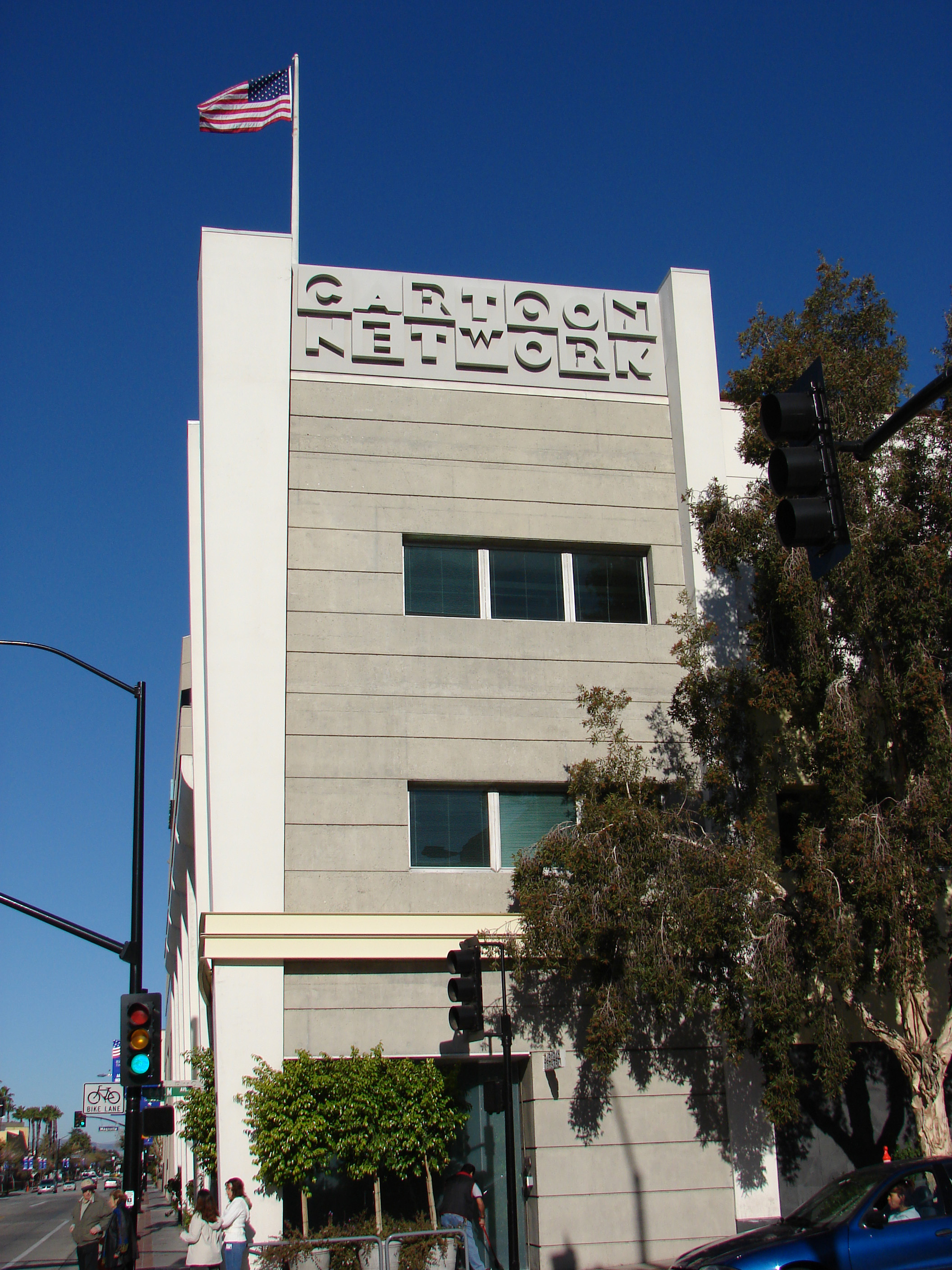
Photo by Gareth Simpson, CC BY 2.0. Archival photograph from January 19, 2007; displayed crops may vary.
The takeaway
Review who can access and reshare your proprietary files, including old project folders.
A collection of Cartoon Network production files has been circulating online, giving people a look at the work behind some familiar shows. IndiaTimes reported on Sunday, October 11, 2026 that the collection exceeded 200GB and included material associated with The Amazing World of Gumball, Adventure Time, and Regular Show. That size hasn’t been independently verified for this article.
The reported contents include storyboards, layered artwork, animation projects, and editable character rigs. Storyboards map out a scene before it’s animated. A rig gives an animator movable parts of a character to work with. Together, files like these capture decisions, revisions, and techniques that go into making a show.
It’s easy to see why fans would want a closer look. For the people who made the work, though, a public folder means losing control over where it goes and how it’s used.
How the files reached the public
Public discussion reportedly began around Friday, October 9, and Saturday, October 10, 2026, according to IndiaTimes. On October 10, an anonymous X account using the name “totallynotaburner” posted a Google document linking to files. In a follow-up post, the same account shared a Google Drive folder.
Mashable’s Chance Townsend reported on Sunday, October 11, 2026 that he was able to access the Drive folder and confirm its contents. His report also describes links to additional material on other file hosts.
How someone originally got those files remains unanswered. The sources reviewed for this article don’t explain the original access or name a confirmed hacking group. The account sharing links could have obtained the material itself, collected it from others, or republished an existing collection. A Google Drive link also doesn’t tell us where the studio originally stored its files.
That matters when drawing conclusions. The public posts show how links spread. Explaining the original access would take evidence from an investigation.
Why an old project folder still matters
Your business might have its own version of those production files: design drawings, proposal templates, supplier pricing, or the spreadsheet used to plan a project.
Consider a simple example. You hire a designer, put the project files in a shared folder, and send over a link. The job ends, the invoice gets paid, and everyone moves on. Six months later, the designer still has access. Perhaps the folder now holds work for another client, too.
Nothing in the Cartoon Network reporting establishes that this is how its files got out. But it’s a useful situation to check in your own business, because finishing a project and removing access are two separate jobs.
Start with one folder
Pick an old project that contains work you’d be uncomfortable seeing posted publicly. Open its sharing settings and look at who can still get in. Include former employees, contractors, and outside collaborators in that review. Keep access where it’s still needed and remove it where the work has ended.
For Google Drive, open Share and check both the named people and General access. Then check the parent folder. Google explains that folder permissions can give someone access to the files inside, even when a file’s own sharing settings look more restrictive.
If you use SharePoint or OneDrive, review any links set to Anyone. Those links can be forwarded and opened without a sign-in. Microsoft recommends authenticated guest access for sensitive or proprietary information, so access is tied to a recipient who signs in.
The accounts opening those folders need attention, too. CISA recommends multifactor authentication, preferably a phishing-resistant method where available. Its logging guidance also calls for collecting and reviewing activity from cloud services and other business systems. Decide who will review that activity and follow up on alerts.
If you need help with that review, NightSquawk Tech offers a free assessment of your business’s IT and security.
Sources
- Nillohit Bagchi, Cartoon Network gigaleak exposes 200GB of hidden animation files, IndiaTimes, Sunday, October 11, 2026.
- “totallynotaburner,” public post linking a Google document, X, Saturday, October 10, 2026; follow-up linking a Drive folder, checked Sunday, October 11, 2026. These establish public sharing, not original access or authorship of the collection.
- Chance Townsend, A massive Cartoon Network leak exposes decades of behind-the-scenes animation files, Mashable, Sunday, October 11, 2026. Original report checked directly before publication.
- Google, Stop, limit, or change sharing, Google Drive Help, checked Sunday, October 11, 2026.
- Microsoft, Allow only members in specific security groups to share files externally, Microsoft Learn, updated Thursday, May 7, 2026.
- CISA, Require Multifactor Authentication and Use Logging on Business Systems. Both pages checked directly on Sunday, October 11, 2026.
Photo: Gareth Simpson, Cartoon Network Studios 2007, photographed Friday, January 19, 2007, licensed CC BY 2.0. Archival photograph; responsive displays may crop it.

Editorial note: Drafted with AI assistance using the sources linked above. File-sharing guidance reflects documentation checked on Sunday, October 11, 2026.