
Three More Actively Exploited Flaws: Routers, SharePoint and Online Stores
CISA added flaws in MikroTik routers, on-premises SharePoint Server and Adobe Commerce/Magento to its exploited-vulnerabilities list on September 24 and 25. Who runs each one in a small business, the one action to take, and the question to ask your provider.
Updated
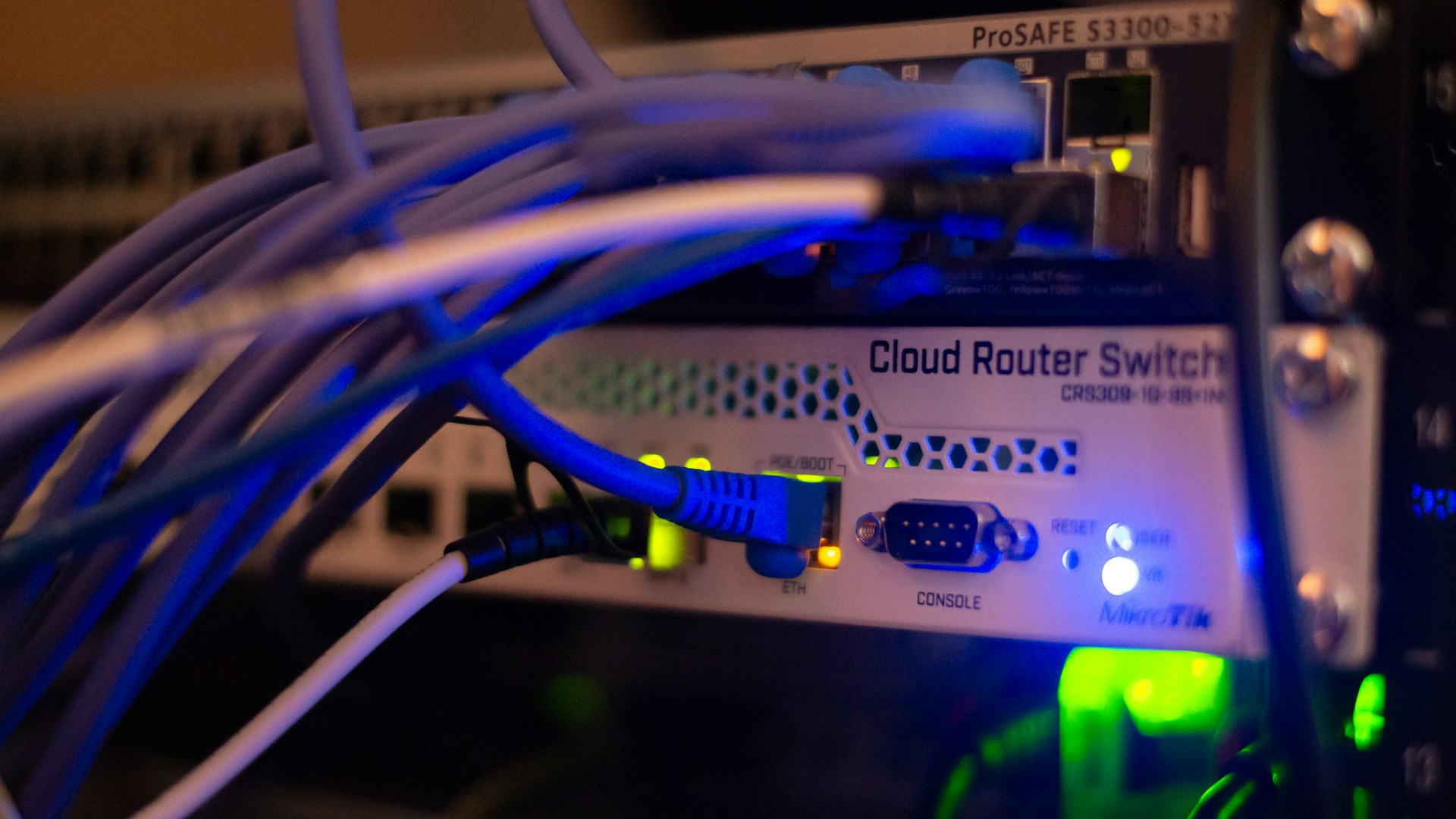
Photo by Albert Stoynov on Unsplash
The takeaway
Find out whether you run a MikroTik router, an on-premises SharePoint server or a Magento store. If you do, confirm the fix and any interim restriction below are in place, and ask whoever manages it to check for signs of a break-in.
On September 24 and 25, the U.S. Cybersecurity and Infrastructure Security Agency (CISA) added three flaws to its Known Exploited Vulnerabilities (KEV) catalog: one in MikroTik routers, one in Microsoft SharePoint Server and one in Adobe Commerce and Magento online stores (CISA, Sept. 24; CISA, Sept. 25).
What KEV means: CISA puts a flaw on this list when it has evidence that attackers are already using it. It’s not a list of theoretical risks.
The catalog gives deadlines of September 27 and 28, but those bind federal civilian agencies under CISA’s Binding Operational Directive 26-04, not private businesses. CISA does encourage all organizations to prioritize KEV flaws. For a small business, treat it as a good reason to check whether you run any of these three. Prioritize affected systems rather than treating every system as equally exposed.
The same September 25 update also included a WordPress core flaw (CVE-2026-87902). We cover it separately in our WordPress post.
Update: Saturday, October 10, 2026
This update changes our MikroTik advice. Mostly it adds new information: the router versions we listed on September 28 were the right fixes for the flaws known then, but a flaw disclosed after we published means some of those versions are no longer enough. It also corrects one omission in our exposure check, explained in the last point below.
- A new critical flaw in the router’s web interface. On Tuesday, September 29, 2026, CISA published advisory ICSA-26-272-06 on CVE-2026-84411, rated 9.8 out of 10. The flaw is in the RouterOS web management service, which runs WebFig, the router’s browser-based settings page. According to CISA, an attacker who can reach that service can, without logging in, run code as root (full control of the router) or crash it “using a single crafted request.” CISA lists every RouterOS version before 7.24 as affected, and MikroTik’s notice of Tuesday, October 6, 2026 confirms that includes RouterOS 6.
- Long-term fixes are now out. MikroTik says the flaw has been fixed in its stable channel since 7.24. Its notice still listed the long-term fixes as “release pending” on Saturday, October 10, 2026, but MikroTik’s changelogs show that long-term releases 7.23.8 and 6.49.23, both listed on Friday, October 9, 2026, include the fix for CVE-2026-84411. That means 7.23.6 and 6.49.21, which our table called enough, are still exposed to this flaw, as are 7.23.7 and 6.49.22.
- No known attacks so far. CISA said on September 29 that no known public exploitation of this flaw had been reported to it. As of Saturday, October 10, 2026, the flaw isn’t in CISA’s Known Exploited Vulnerabilities catalog.
- The web interface matters as much as SSH. Our original check covered only SSH, the administrator’s remote command-line login. Although MikroTik’s notice focused on SSH then, CERT Polska’s report, which we linked, already included a web-interface flaw. Our exposure checklist should have included both. MikroTik has since revised its September advisory. The revised text says to “make sure SSH and the web interface (WebFig) are not open to any untrusted networks.” It also lists all six flaws from CERT Polska’s report, including a web-interface flaw (CVE-2026-67281) that, according to MikroTik, could let an attacker read files from the router, including files containing credentials, without logging in. The versions in our original table already fix that one.
What changed in our advice: The action, provider questions and table below now combine the September patch requirements with the newer web-interface fix, and a temporary restriction until it is installed. MikroTik’s stable channel gets new fixes first; its long-term channel changes more slowly. RouterOS 6 is an older generation, so moving to version 7 may require planning with your provider.
1. MikroTik routers (CVE-2026-67279)
Who runs this: MikroTik makes inexpensive, capable routers. In small offices they are often installed by a local IT provider or an internet service provider, so the owner may not know the brand. Look at the label on the box in your network closet.
What’s happening: CERT Polska, Poland’s national computer emergency team, calls the exploit chain “MikroTrick.” In a September 22 technical analysis, it explains that CVE-2026-67279 lets someone open an SSH session without ever authenticating. A second flaw, CVE-2026-86060, then gives that session full administrator rights. “Combining the two vulnerabilities resulted in full unauthenticated access to the administrative console,” CERT Polska wrote. Its earlier alert says attacks against routers with SSH reachable from the internet have been happening “since at least 2 September.” MikroTik released fixes on September 3. CISA added CVE-2026-86060 to the KEV catalog on September 10 and CVE-2026-67279 on September 25.
The Shadowserver Foundation found more than 120,000 MikroTik devices with SSH open to the internet during a scan on September 5, SecurityWeek reported. That count measures exposure, not confirmed break-ins.
The one action: Ask your provider to install the current stable RouterOS release. MikroTik’s September notice and October notice together establish 7.24.3 or later on the stable channel as the minimum covering the router flaws described here. If the router must remain on long-term version 7 or RouterOS 6, it needs at least 7.23.8 or 6.49.23 respectively, which cover the September flaws and the newer web-interface flaw. Restricting access does not replace those patches.
Until one of those versions is installed, MikroTik’s advice for the newer CVE-2026-84411 is to restrict the www and www-ssl services under IP > Services to trusted addresses, or disable them if the router is managed another way, such as WinBox (MikroTik’s desktop management application) or SSH. Better still, MikroTik says, reach the router through a VPN and don’t open any management ports at all. Keep SSH and WebFig away from untrusted networks in every case.
Ask your provider: “Which RouterOS version and release channel are we running? Are the September fixes installed, and is the newer web-interface flaw fixed or temporarily restricted? Were SSH or WebFig exposed before that?” Have the provider review any critical Flagged log entry, unfamiliar users and unknown scripts. If the web interface was exposed while vulnerable, ask whether stored credentials need rotation as part of their incident assessment.
2. SharePoint Server, on-premises only (CVE-2026-65660)
Who runs this: Most small businesses use SharePoint Online as part of Microsoft 365. That isn’t what this flaw is about. Microsoft’s advisory lists only SharePoint Server Subscription Edition, SharePoint Server 2019 and SharePoint Enterprise Server 2016, the versions a business installs on its own servers. SharePoint Online isn’t listed. You’re in scope only if you run SharePoint on your own server, including an old one left running after a move to Microsoft 365.
What’s happening: Microsoft rates this a remote code execution flaw (CVSS 8.8). Its FAQ says “an authenticated attacker with low-level access to an affected server could send a specially crafted request to execute code on the server.” In practice, one stolen employee login could be enough. Microsoft released the fix on August 11. On September 25, it updated the entry to say it “had reliable evidence of observed attacks.” Microsoft hasn’t said who is behind the attacks or when they started, The Hacker News noted.
The one action: If you run SharePoint Server, confirm that the August 2026 security update listed for your version in Microsoft’s advisory is installed. Microsoft says to install every update listed for your version.
Ask your provider: “Do we have any on-premises SharePoint server, even an old one? If so, when was the August update installed, and have you checked for signs of compromise from before that?”
3. Adobe Commerce and Magento online stores (CVE-2026-71362)
Who runs this: Businesses whose online store runs on Adobe Commerce or the free Magento Open Source, usually built and maintained by a web agency or freelance developer. If your store runs on a different platform, this one doesn’t apply.
What’s happening: Adobe fixed this incorrect-authorization flaw on August 11 in bulletin APSB26-92. Adobe’s CVE record rates it critical (9.1) and says exploitation doesn’t require user interaction. The security firm Sansec, which reviewed the patch, says it “lets attackers switch a customer session to another customer account,” giving them access to that customer’s account and private data, and needs no existing account. Security Affairs reported on August 13 that Sansec had already blocked the first attacks. CISA added it to the KEV catalog on September 24.
The one action: Confirm the APSB26-92 fix is installed. For self-hosted Adobe Commerce and Magento Open Source, Adobe published isolated patch files for each supported version. Sansec notes that you must be on the latest patch release for your version first. For Adobe Commerce on cloud infrastructure, Adobe says the issue “is resolved by the latest cloud-patches update.”
Ask your developer: “Is the APSB26-92 patch applied to our store, and on what date? Have you looked for unusual customer-account activity since August 11?” If customer data may have been accessed, talk to counsel about any notification duties.
The short version
| If you run… | Confirm this |
|---|---|
| A MikroTik router | Stable: RouterOS 7.24.3 or later. Long-term: 7.23.8 or later, or 6.49.23 or later. Keep SSH and WebFig off untrusted networks |
| SharePoint Server on your own hardware | Microsoft’s August 2026 update for your version is installed |
| An Adobe Commerce or Magento store | APSB26-92 patch (or the cloud-patches update) is applied |
If none of these apply, you’re done with this round. If you aren’t sure what’s in your network closet or who maintains it, that’s worth finding out before the next alert. NightSquawk Tech offers a free assessment that includes taking inventory of your network equipment.
Sources
- CISA, Known Exploited Vulnerabilities Catalog (catalog version 2026.09.27; rechecked Oct. 10, 2026, at catalog version 2026.10.08). https://www.cisa.gov/known-exploited-vulnerabilities-catalog
- CISA, “CISA Adds Two Known Exploited Vulnerabilities to Catalog,” Sept. 24, 2026. https://www.cisa.gov/news-events/alerts/2026/09/24/cisa-adds-two-known-exploited-vulnerabilities-catalog
- CISA, “CISA Adds Two Known Exploited Vulnerabilities to Catalog,” Sept. 25, 2026. https://www.cisa.gov/news-events/alerts/2026/09/25/cisa-adds-two-known-exploited-vulnerabilities-catalog
- CISA, “MikroTik RouterOS” (ICS Advisory ICSA-26-272-06), Sept. 29, 2026. https://www.cisa.gov/news-events/ics-advisories/icsa-26-272-06
- MikroTik, “September 2026 vulnerability,” Sept. 3, 2026, since revised (accessed Oct. 10, 2026). https://mikrotik.com/supportsec/september-2026-vulnerability/
- MikroTik, “CVE-2026-84411,” Oct. 6, 2026. https://mikrotik.com/supportsec/cve-2026-84411/
- MikroTik, RouterOS changelogs (stable and long-term channels), accessed Oct. 10, 2026. https://mikrotik.com/download/changelogs
- CERT Polska, “Critical vulnerabilities in MikroTik RouterOS are being actively exploited. Immediate update recommended,” Sept. 5, 2026. https://cert.pl/en/posts/2026/09/vulnerabilities-in-mikrotik-routeros-actively-exploited/
- CERT Polska, “Vulnerabilities in Mikrotik RouterOS software,” Sept. 5, 2026. https://cert.pl/en/posts/2026/09/mikrotik-routeros-cve/
- Sławomir Rozbicki, “MikroTrick: technical analysis, disclosure process, and the use of LLM agents,” CERT Polska, Sept. 22, 2026. https://cert.pl/en/posts/2026/09/mikrotrick-technical-analysis/
- Microsoft Security Response Center, CVE-2026-65660, released Aug. 11, 2026, revised Sept. 25, 2026. https://msrc.microsoft.com/update-guide/vulnerability/CVE-2026-65660
- Adobe, CVE-2026-71362 record, published Aug. 11, 2026. https://www.cve.org/CVERecord?id=CVE-2026-71362
- Adobe, “Security update available for Adobe Commerce - APSB26-92,” Experience League. https://experienceleague.adobe.com/en/docs/experience-cloud-kcs/kbarticles/ka-40380
- Sansec, “Adobe patches critical Magento account takeover (APSB26-92),” Aug. 11, 2026. https://sansec.io/research/adobe-commerce-account-takeover-apsb26-92
- Pierluigi Paganini, “Adobe Commerce CVE-2026-71362 Comes Under Attack Shortly After Public Disclosure,” Security Affairs, Aug. 13, 2026. https://securityaffairs.com/197149/hacking/adobe-commerce-cve-2026-71362-comes-under-attack-shortly-after-public-disclosure.html
- Ionut Arghire, “MikroTik Patches Critical Flaws Chained to Hack Routers,” SecurityWeek, Sept. 8, 2026. https://www.securityweek.com/mikrotik-patches-critical-flaws-chained-to-hack-routers/
- Ravie Lakshmanan, “SharePoint RCE and MikroTik RouterOS Flaws Actively Exploited in the Wild,” The Hacker News, Sept. 26, 2026. https://thehackernews.com/2026/09/sharepoint-rce-and-mikrotik-routeros.html
Editorial note: This roundup was drafted with AI assistance from the linked advisories and reporting. NightSquawk Tech did not test these vulnerabilities or observe the attacks described. This revision, checked October 10, 2026, adds MikroTik’s web-interface flaw CVE-2026-84411, its fixed versions and MikroTik’s revised September advisory, and corrects the omitted web-interface exposure check.